

IDE Window: Debug Output/es
Deutsch · English · Español · Русский
Importante
Debemos configurar el depurador y lanzar el proyecto para depurar. Sólo en entonces son útiles las interrupciones.
Descripción general
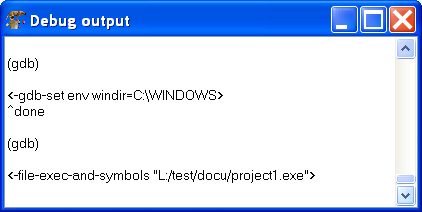
Esta ventana muestra las ordenes y respuestas entre el IDE y el depurador. También muestra la salida del programa, por ejemplo la salida del "writeln".
Menú Contextual
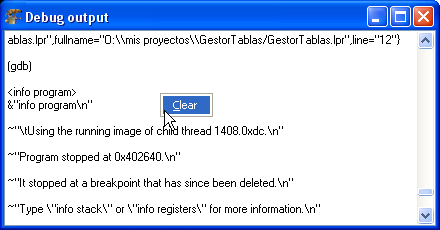
Limpiar (Clear)
Limpia la ventana de salida del depurador.
From the Free Pascal wiki, page "IDE Window: Debug Output/es", as it stood on 2015-07-01 after a change by FTurtle, out of the wiki's dump of 2024-05-26. Copyright stays with the author who wrote it, according to the old wiki's Licensing page. If you have concerns about this material, message the admin.
Talk about this page
Nobody has opened a bench for this page yet. Sign in to open one.